Creating a productive home office environment is essential for anyone working remotely or managing tasks from home. A well-organized and comfortable workspace can significantly improve focus and efficiency throughout the workday. In this post, we’ll explore simple tips to help you create a home office that supports your best work.
Choose the Right Location
Selecting the best spot for your home office is the first step toward maximizing productivity.
– Find a quiet area: Look for a space with minimal noise and distractions to help maintain concentration.
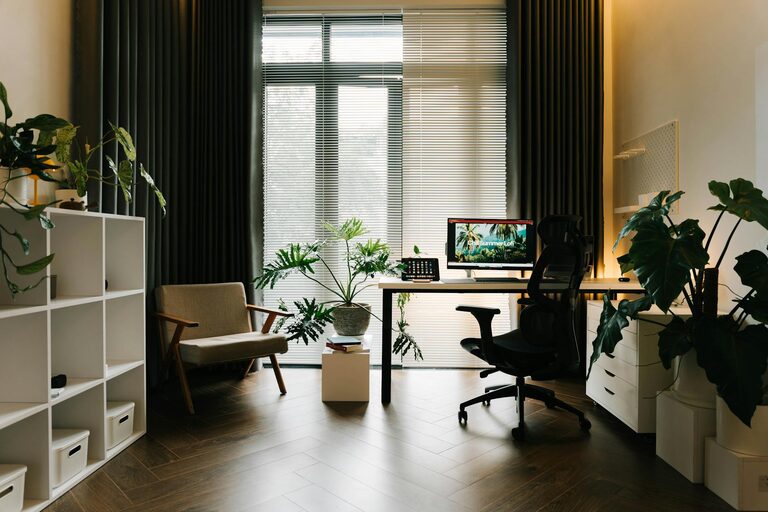
– Consider natural light: If possible, set up near a window. Natural light can reduce eye strain and improve mood.
– Define your workspace: Even a small corner or nook can work well if you clearly designate it as your work area.
Invest in Comfortable Furniture
Comfort and ergonomics play key roles in supporting long work hours.
– Supportive chair: Choose an ergonomic chair that supports your lower back and encourages good posture.
– Proper desk height: Your desk should allow your arms to rest comfortably at about a 90-degree angle.
– Adjustable options: Consider a sit-stand desk or adjustable chair to vary your posture throughout the day.
Organize for Efficiency
Keeping your workspace organized helps minimize distractions and saves time.
– Declutter regularly: Remove items you don’t need to create a clean, inviting environment.
– Use storage solutions: Shelves, drawers, and organizers keep essential items within reach but out of the way.
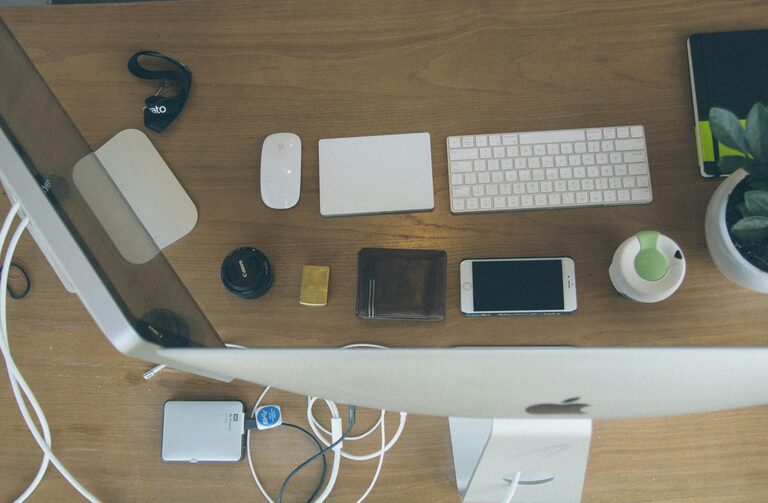
– Cable management: Use clips or ties to keep cords tidy and prevent tangling.
Optimize Lighting
Proper lighting reduces eye strain and keeps you energized.
– Balance natural and artificial light: Combine natural sunlight with adjustable desk lamps or overhead lighting.
– Avoid glare: Position screens and lights to reduce reflections and glare that can cause discomfort.
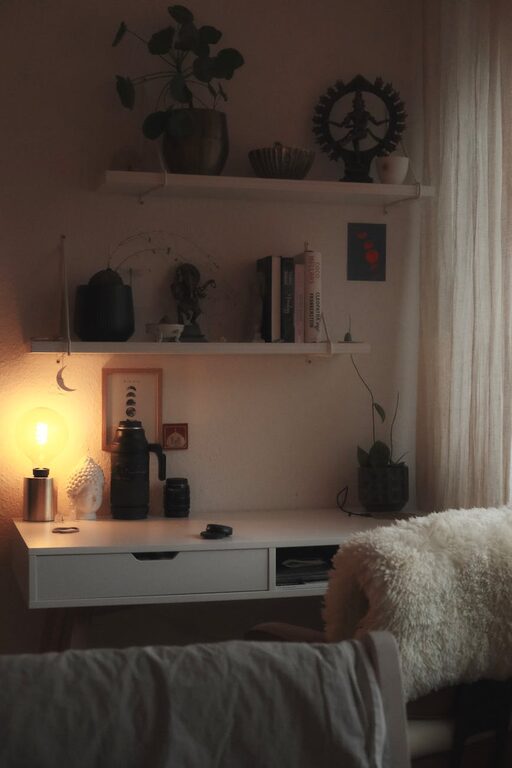
– Use warm light tones: Soft, warm light can create a relaxing atmosphere conducive to working.
Personalize Your Space
Adding personal touches can make your home office more inviting and motivating.
– Incorporate plants: Greenery improves air quality and adds a calming effect.
– Display inspiring items: Photos, artwork, or motivational quotes can boost morale.
– Use colors wisely: Soothing colors like blue and green promote focus, while brighter accents add energy.
Minimize Distractions
Reducing interruptions helps maintain a flow of productivity.
– Set boundaries: Let household members know your work hours to minimize disturbances.
– Use noise-canceling headphones: These can block out background noise during critical tasks.
– Turn off non-work notifications: Silence social media, phone alerts, and other distractions during focused work sessions.
Develop a Routine
A consistent schedule creates a sense of normalcy and discipline.
– Set specific work hours: Start and end at the same time each day to establish boundaries.
– Take regular breaks: Short breaks every hour can refresh focus and reduce fatigue.
– Create transition rituals: Simple actions like a morning coffee or a short walk can signal the start and end of your workday.
Technology and Tools
Having the right tools can streamline your workflow.
– Reliable internet: A strong connection is essential for video meetings, uploads, and downloads.
– Quality equipment: Use a good microphone, camera, and keyboard to enhance communication and comfort.
– Productivity apps: Explore task managers, calendars, and note-taking apps to keep organized.
Keep it Clean
A clean space fosters clarity and reduces distractions.
– Daily tidy-up: Spend a few minutes at the end of each day clearing your desk.
– Sanitize regularly: Wipe down surfaces, keyboard, and mouse to maintain hygiene.
– Maintain air quality: Open windows when possible, or use an air purifier.
—
By applying these simple tips, you can create a home office environment that’s not only comfortable but also conducive to productive work. Remember, the best workspace supports your unique needs and helps you maintain a healthy balance between work and life at home.